Screenshots
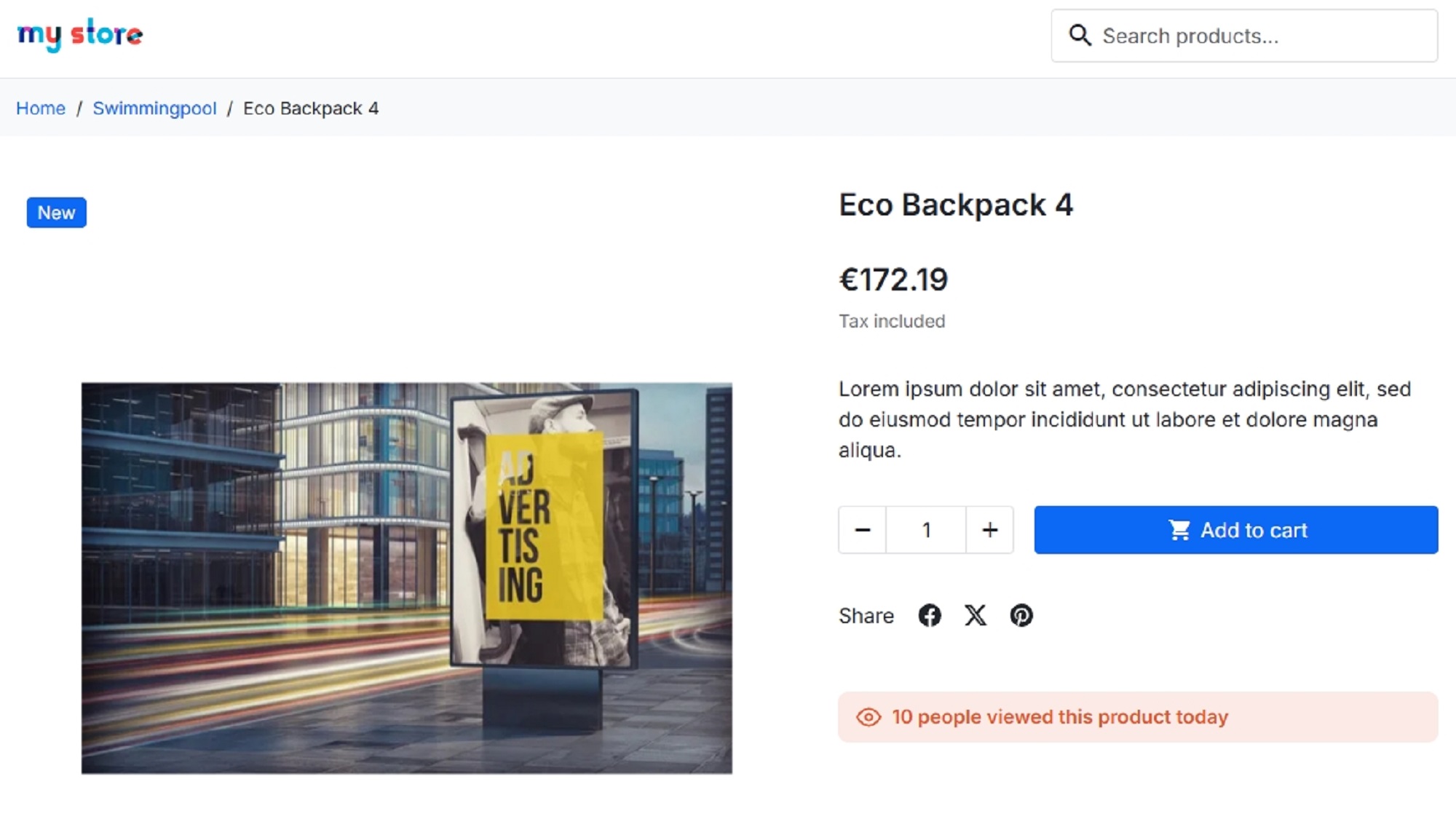
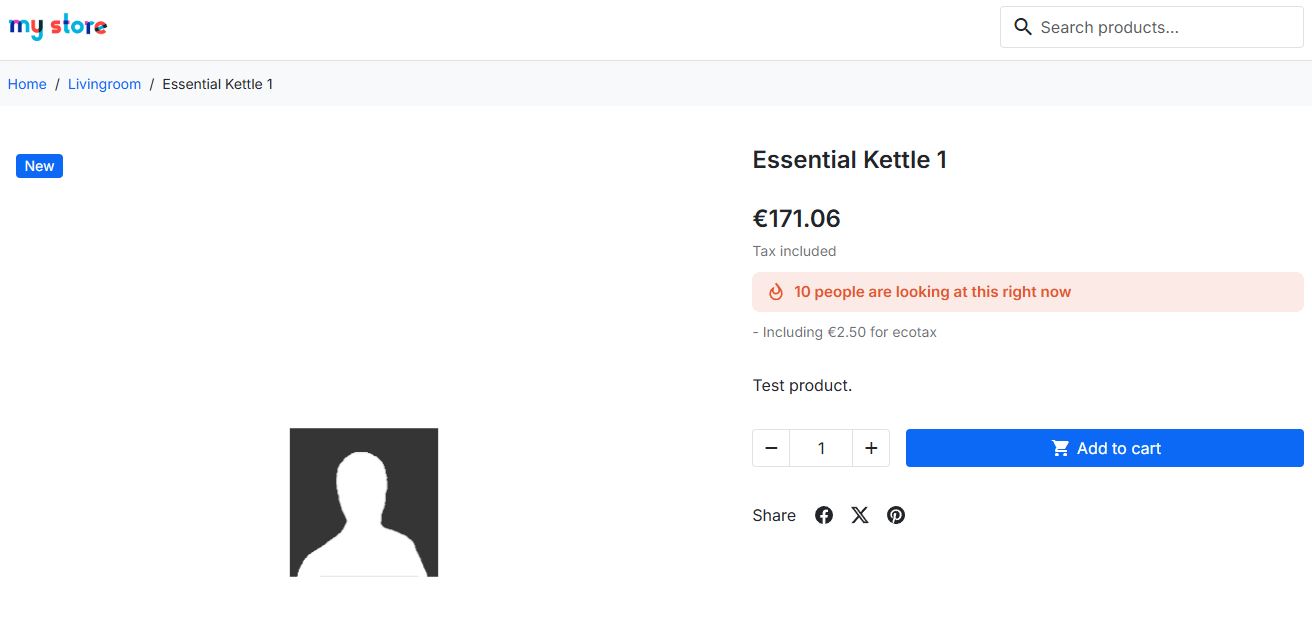
Show how many customers are looking at each product, using the real traffic of your own shop.
Contact Usby TEMA S.r.l. Automazione
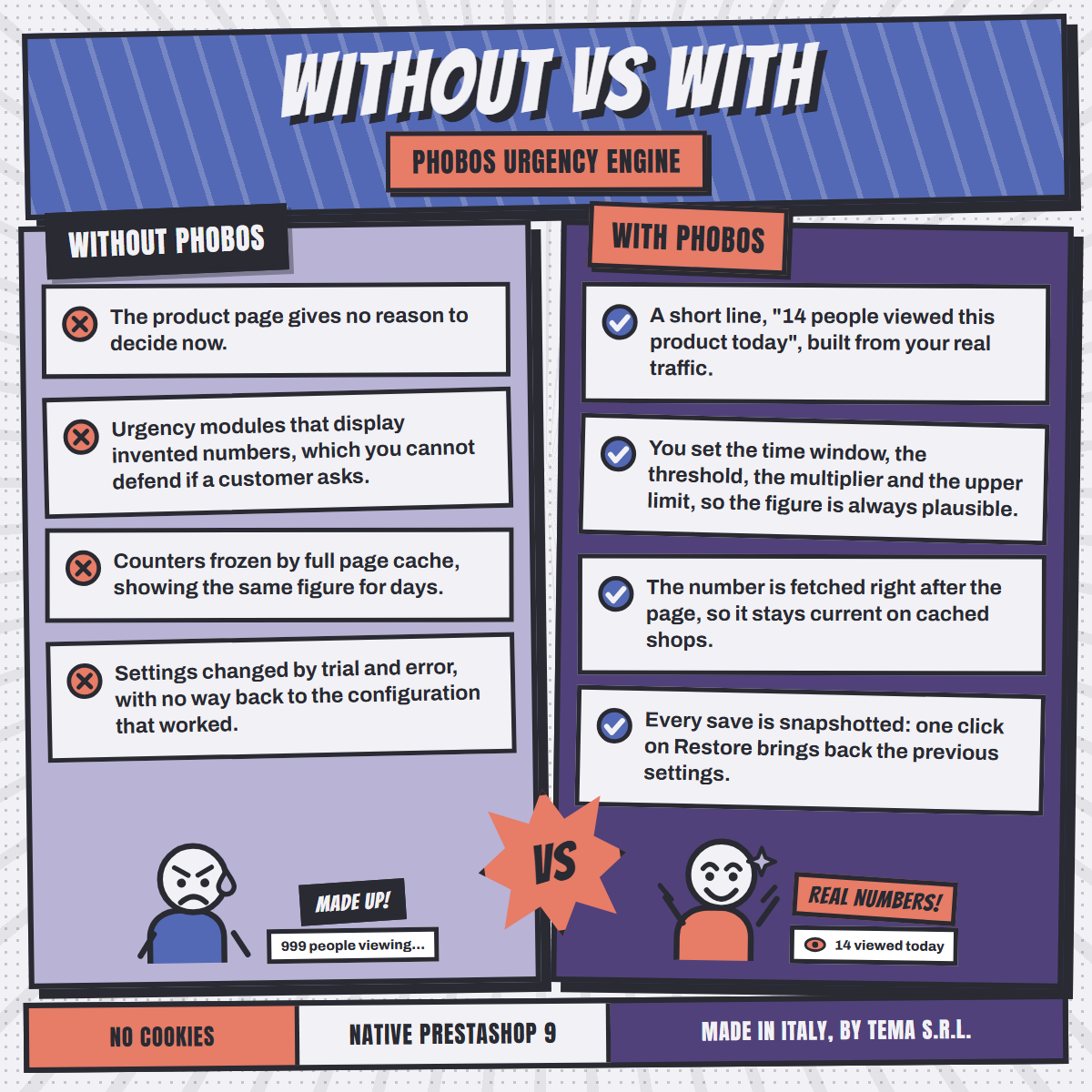
Most visitors who like a product do not buy it on the first visit. They postpone, compare, and forget. Nothing on the page tells them the item is worth deciding on today. One honest line about how many other people are looking at it gives them that reason.
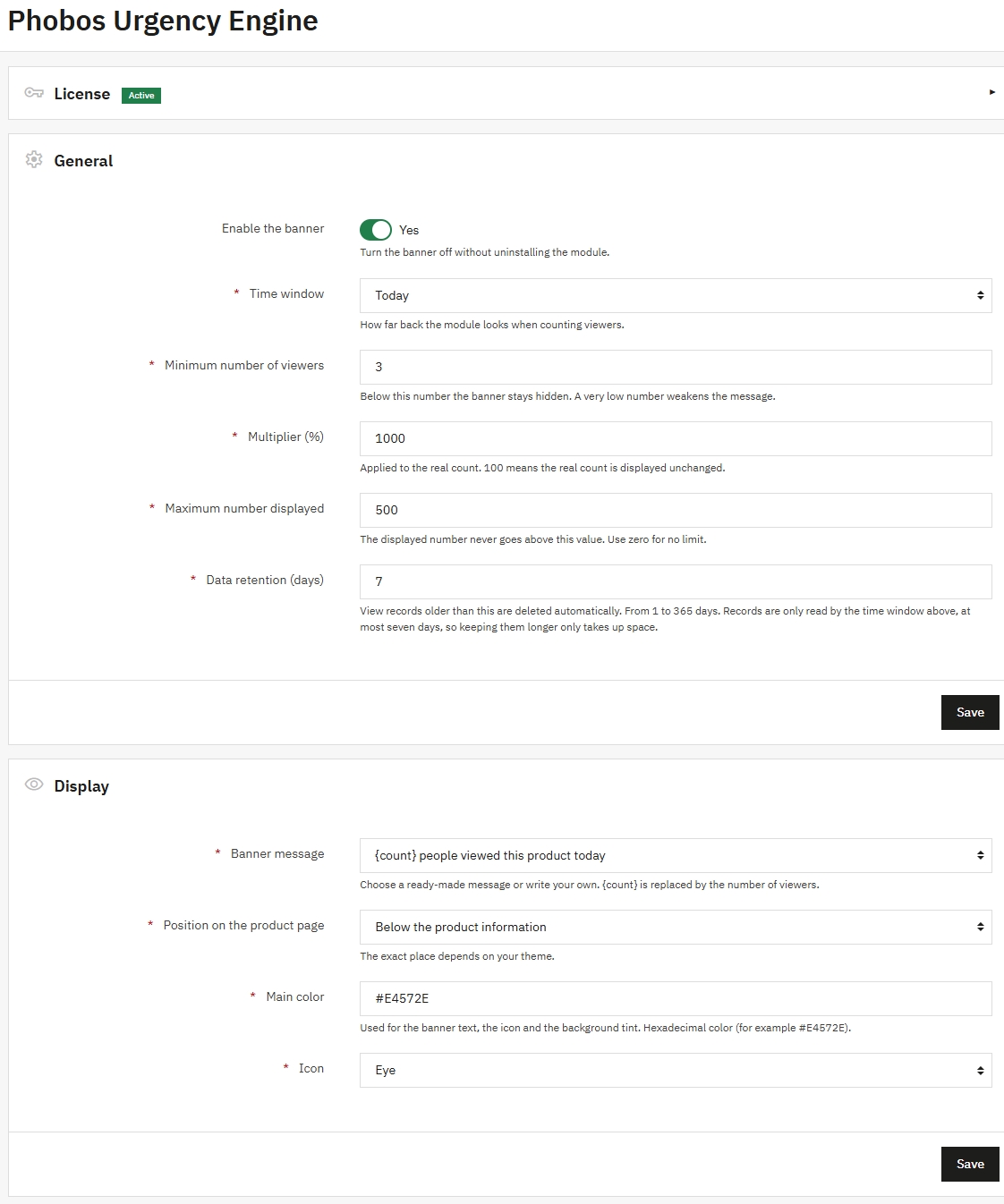
Everything is set from one configuration page. No code, no file editing, no developer needed.
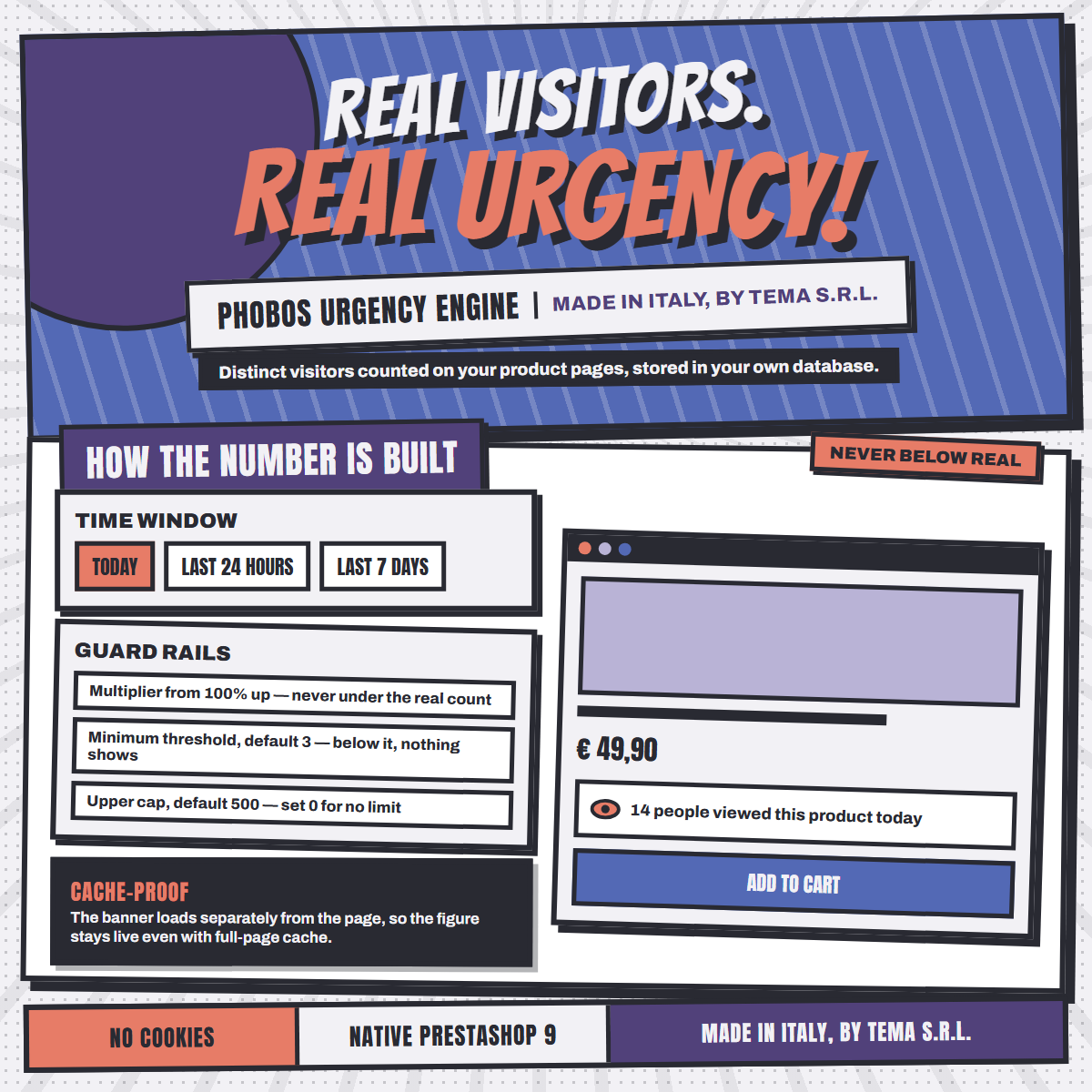
Phobos counts distinct visitors on your own product pages and stores them in your own database. Nothing is invented and nothing comes from a third party service.
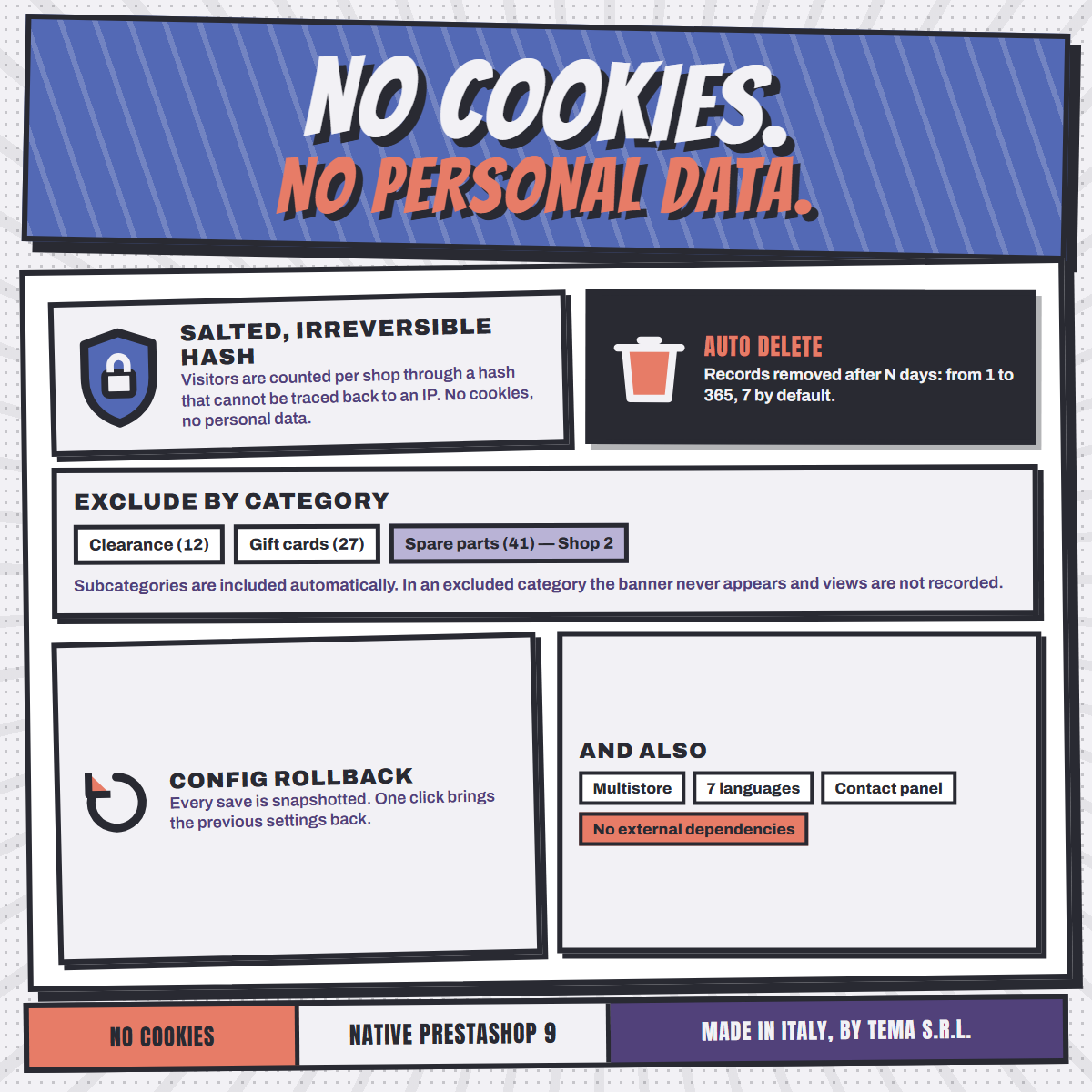
Visitors are counted through a salted, irreversible fingerprint that cannot be turned back into an IP address. Nothing is written to their browser.
Three time windows, a minimum threshold, an optional multiplier and an upper limit. The multiplier can never take the figure below the real count.
Below your threshold the banner does not appear at all, and the page looks exactly as it did before. "2 people viewed this product today" is never displayed.
The text is part of the page, the number is fetched right after it. Cache, CDN and Smart cache never freeze a stale figure into your product pages.
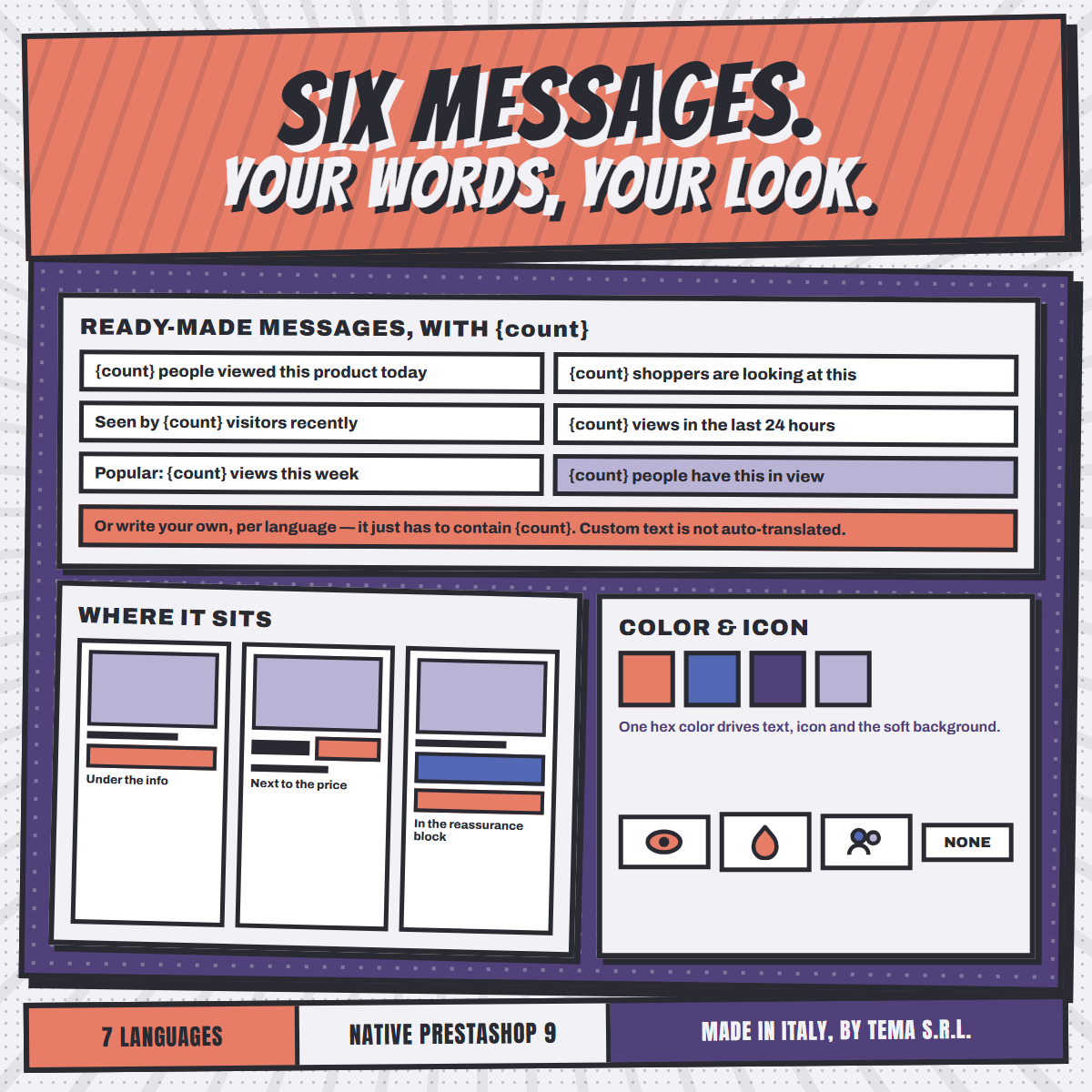
English, Italian, Spanish, Portuguese, French, Polish and German, ready to use.
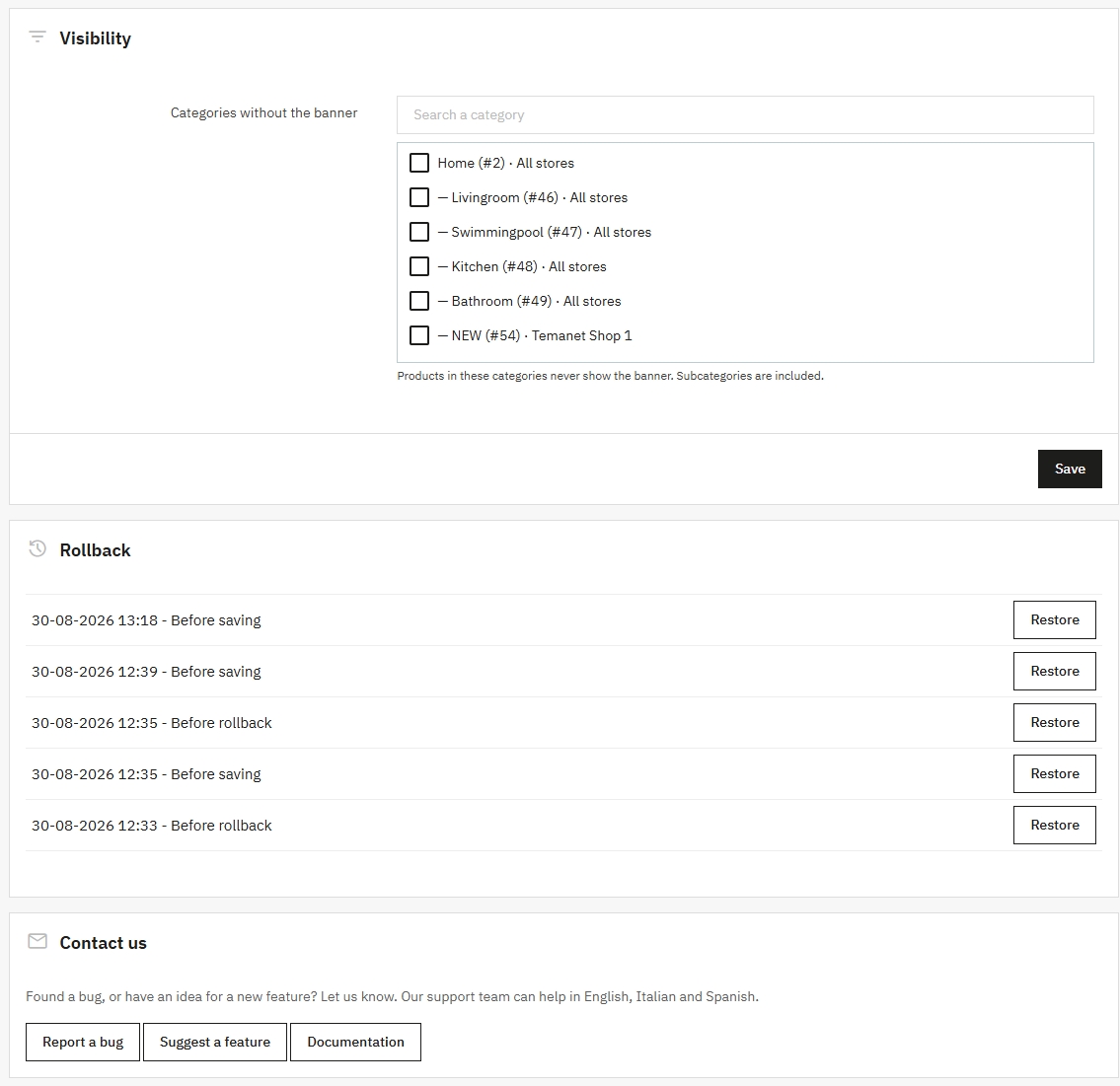
Every save is automatically snapshotted, up to five, each with its date. Change the multiplier, try another message, move the banner: if the result is worse, one click on Restore puts everything back. No values to write down, nothing to remember.
A "Contact us" panel lets merchants report bugs or request features in one click.
Works out of the box with PrestaShop 9's Classic theme and any theme derived from it.
Upload the zip, enter your license key. The module creates its own table and starts counting straight away.
Pick the time window, the minimum audience below which nothing is shown, and an optional multiplier and upper limit.
Six ready made texts or your own, in one of three positions on the product page, with your colour and icon.
Every save is snapshotted. Try a different multiplier or a different position, and if the result is worse, restore the previous settings with one click.
Yes. Phobos counts distinct visitors on your own product pages and stores them in your own database. The multiplier and the upper limit only change how that real count is presented, and the multiplier can never take the figure below reality.
Yes. The Rollback panel keeps up to five snapshots of your previous settings, each with its date and a short description, restored with one click. Finding the right numbers for your catalogue takes a few attempts, and this is what makes those attempts free.
It works natively with PrestaShop 9's default theme and any theme derived from it. No theme customization is required.
Seven: English, Italian, Spanish, Portuguese, French, Polish and German. Adding more is quick and easy directly from PrestaShop's translation panel.
PrestaShop 9.0 or later, with PHP 8.1 or later. Multistore ready.
It works with full page cache: the number is fetched right after the page is displayed, so a cached product page still shows a current figure. The page itself is served as usual, and the extra request returns nothing more than a number.
Use the "Contact us" panel at the bottom of the configuration page, or write directly to tema@temanet.it.
Designed, developed and supported by TEMA S.r.l. Automazione in Legnano (Milan).
Since 1974, a real company with direct human support.